
CapCut
CapCut for Windows is ByteDance's desktop video editor, with a timeline, templates and export presets for short and long videos.
533.8 MB

3.0.24 · VideoLAN team · Page updated
VLC media player is a free, open-source video and audio player for Windows from the VideoLAN team. The current release is 3.0.24.
Average 0.0 · ratings: 0
Thank you! Your rating is saved; you can change it. Could not save the rating. Please try again later. Too many ratings from your network today. Please try again tomorrow. The average appears after 5 ratings.
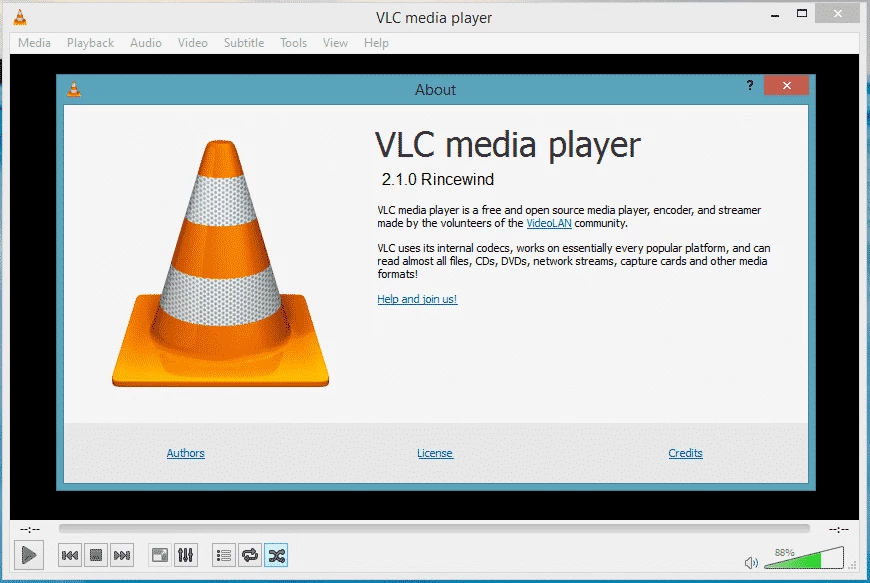
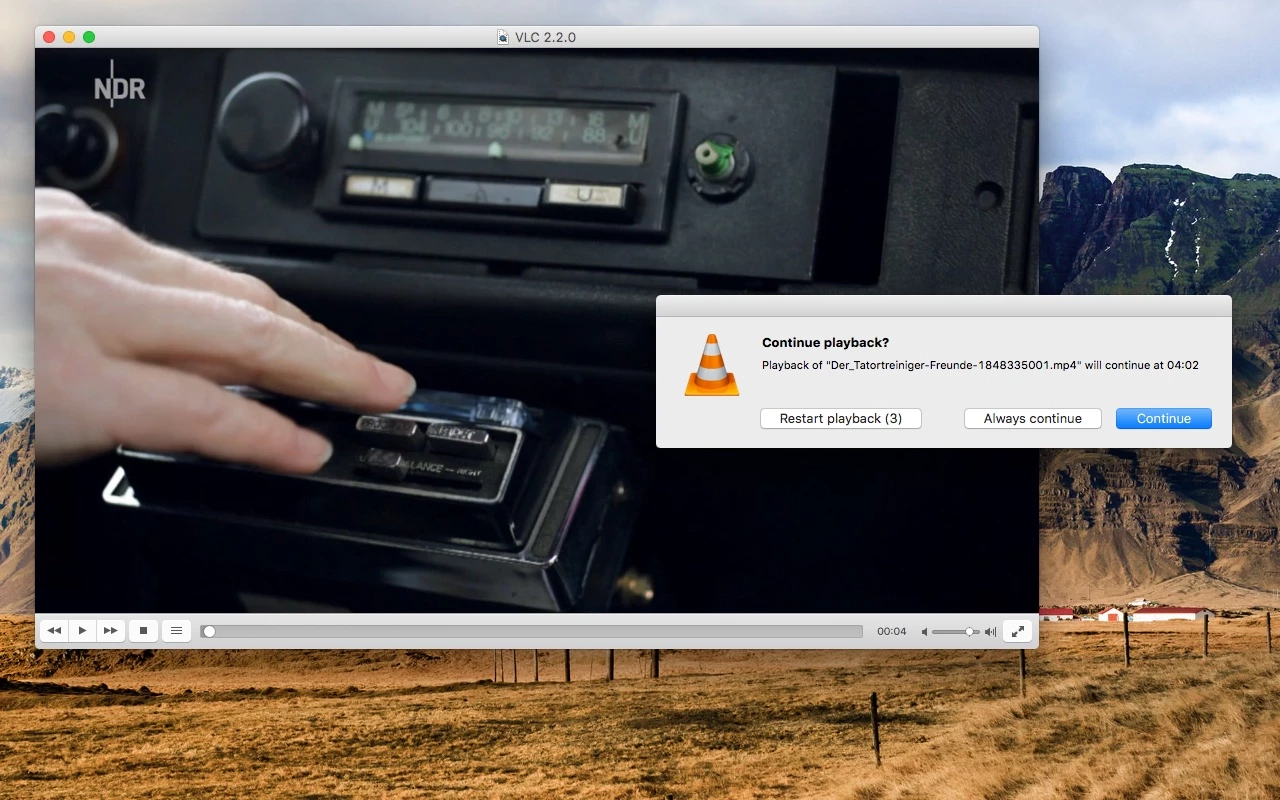
VLC media player 3.0.24 is the newest Windows release of the free, open-source video and audio player from the VideoLAN team, published on 22 September 2026. You can download it for Windows from videolan.org; according to catalogue data, the installer is about 43.81 MB.
VLC plays almost any file you throw at it without extra codec packs, which is the reason most people install it in the first place.
VLC is for anyone who has ever double-clicked a video and got an error instead of a picture. It opens files, discs, network streams and half-downloaded videos, and it does so with the same simple window on every system. Wikidata describes it as a media player, streaming client, streaming media server and audio and video converter, and that list is not an exaggeration: besides playback, VLC can convert a file to another format, record a stream or send video to another device on your network. The project began in 1996 and the first public release came on 1 February 2001. It is written in C, C++ and Objective-C, runs on Windows, Linux, macOS, BSD, Android, iOS and ChromeOS, and is maintained by VideoLAN, with no ads in the player.
VLC is also available in the Microsoft Store if you prefer store-managed updates.
Version 3.0.24 continues the long-running 3.0 branch for desktop systems. VideoLAN lists the changes of each version on its releases page. The mobile apps use their own, separate version numbers.
Completely free. VLC is open-source software under the GNU LGPL 2.1 or later and the GNU GPL 2.0 or later, and its source code is public on code.videolan.org. Because it is so popular, fake VLC downloads are common: get it only from videolan.org or the Microsoft Store.
A few habits make VLC even more useful. Drag a subtitle file onto a playing video and it loads at once. Use the Media menu to open a network stream by pasting a link. If a video and its sound drift apart, VLC can shift the audio track until they match again. The Convert option in the same menu turns a clip into a format your phone or TV understands, so you rarely need a separate converter. Settings you change are remembered, and you can always reset them from the preferences if something goes wrong.
VLC runs on IA-32, x86-64 and ARM processors, so practically any Windows PC is compatible, including older and low-power machines.
CapCut for Windows is ByteDance's desktop video editor, with a timeline, templates and export presets for short and long videos.

CapCut Web is ByteDance's online video editor that runs in the browser, with templates, text, effects and export for social media videos.

Green Free Video Converter is a small free Windows program for converting video files between common formats for phones, players and editors.

Format Factory is a free Windows multimedia converter from Free Time for changing video, audio and image files between formats.

Streamlabs OBS, now called Streamlabs Desktop, is a free open-source Windows app for live streaming and recording with built-in alerts and overlays.

Free Cam is a free screen recorder for Windows from iSpring Solutions for recording screencasts with voice-over and trimming them before export.

TikTok for Windows is the desktop app of the short-video platform from TikTok Pte. Ltd., available free from the Microsoft Store.

Iriun Webcam is a small free Windows program that turns an Android phone or iPhone into a wireless webcam for video calls and streaming.