
CapCut
CapCut for Android is ByteDance's free mobile video editor for cutting clips, adding music, text and effects, and exporting short videos.
301.5 MB

3.7.1 · VideoLabs · Page updated
VLC for Android is the free, open-source media player from the VideoLAN project, playing most video and audio files and network streams.
Average 0.0 · ratings: 0
Thank you! Your rating is saved; you can change it. Could not save the rating. Please try again later. Too many ratings from your network today. Please try again tomorrow. The average appears after 5 ratings.
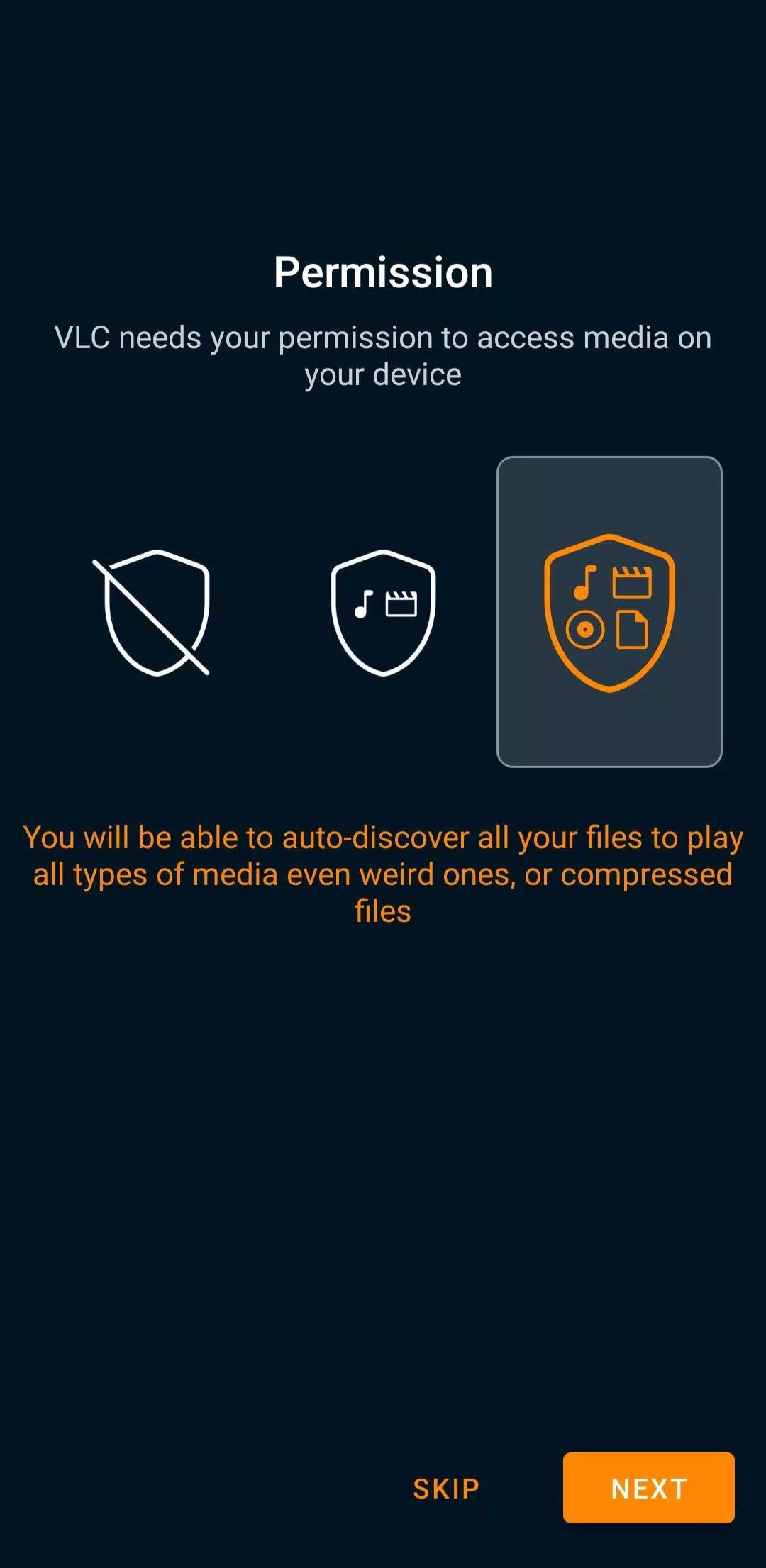
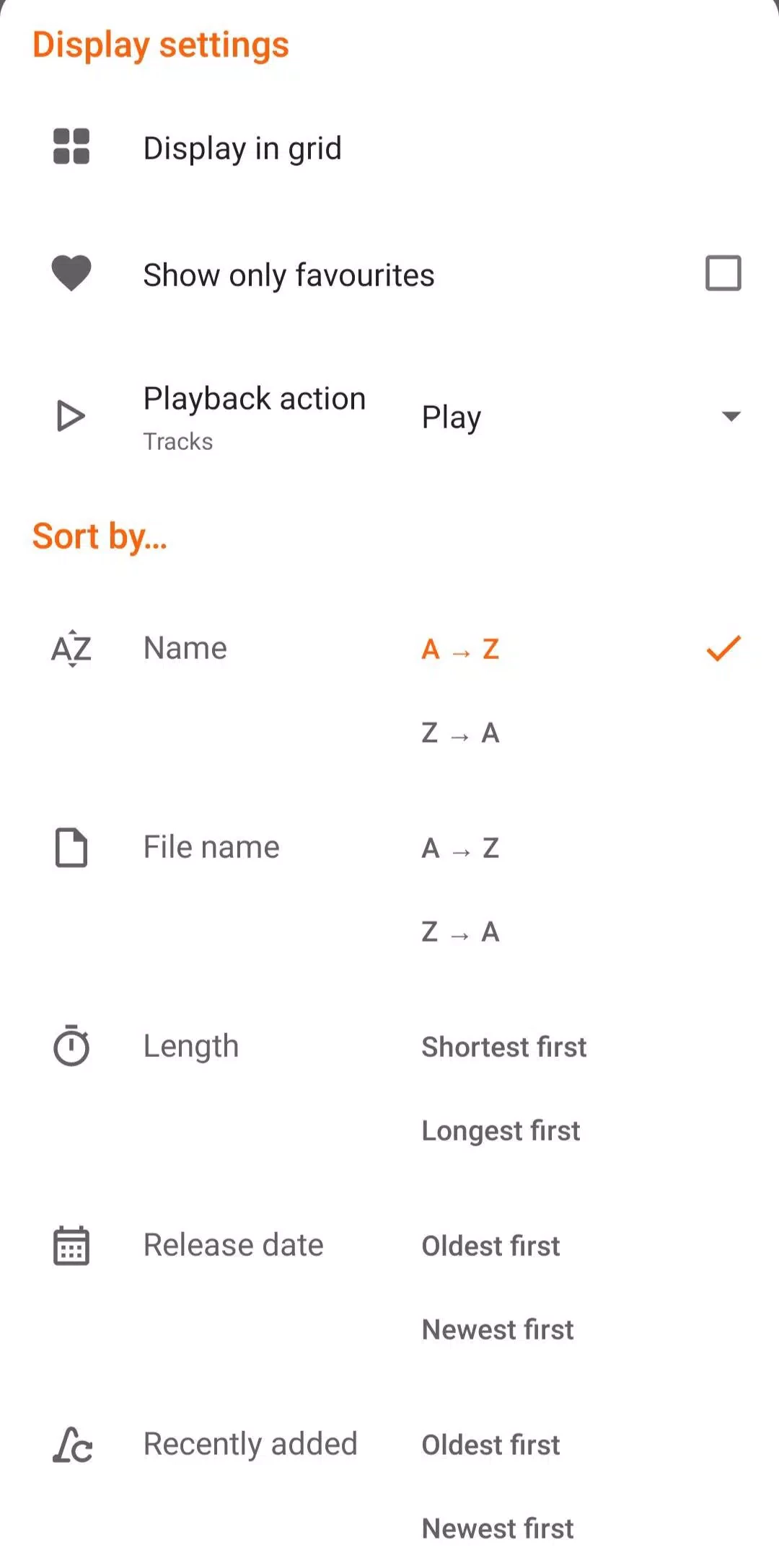
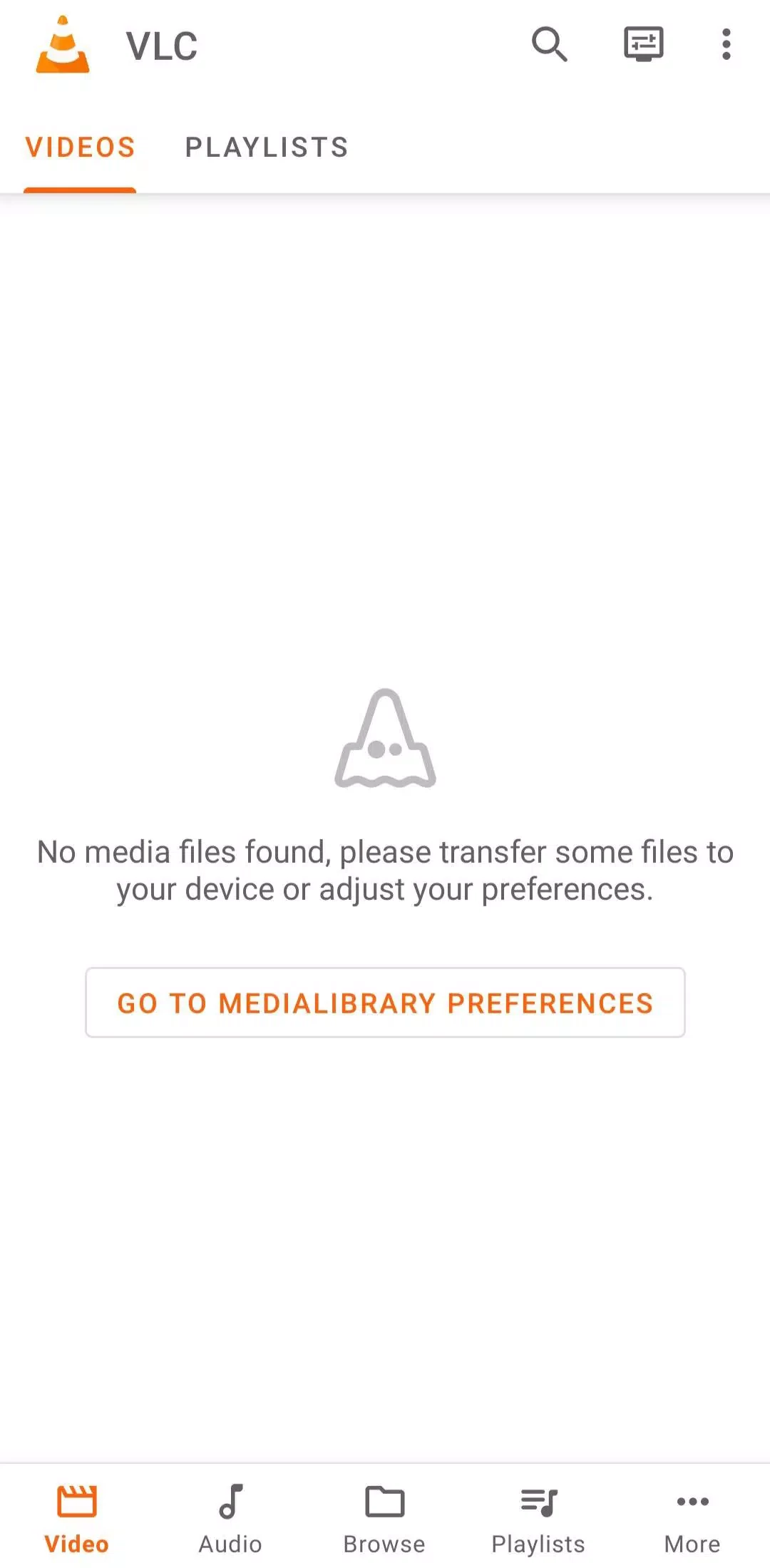
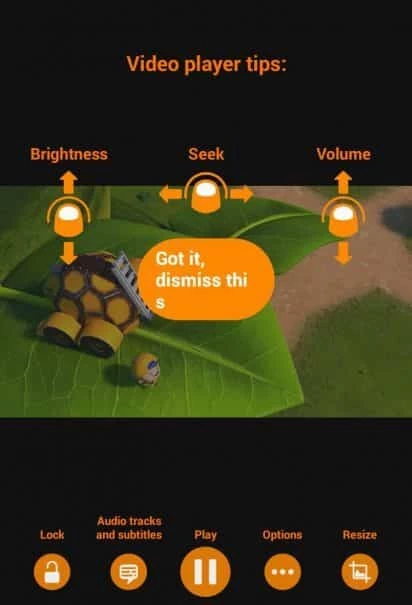
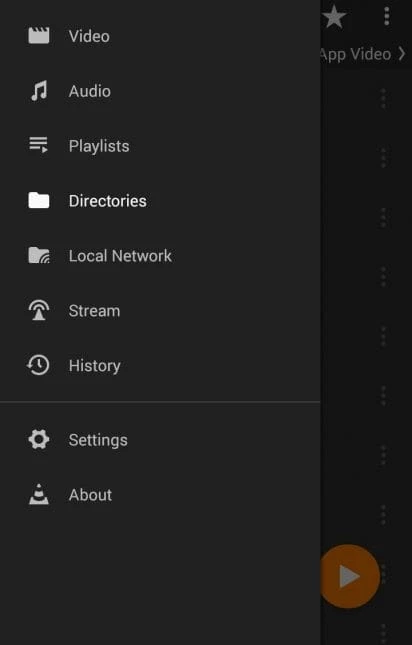
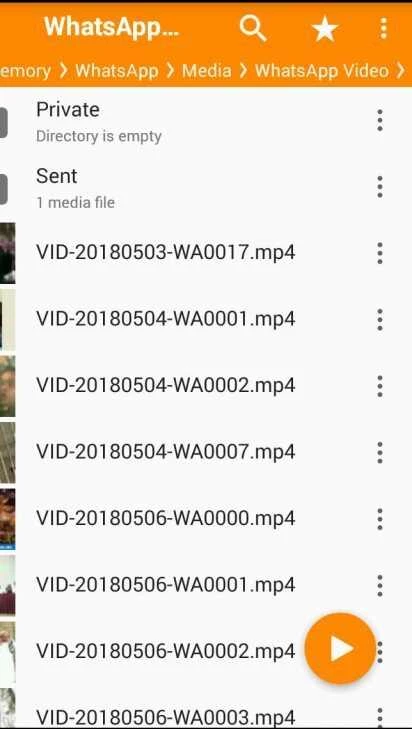
VLC Media Player 3.7.1 for Android is the mobile edition of the free and open-source player from the VideoLAN project, and you can download it from Google Play or the official VideoLAN site. It plays local videos and music as well as network streams without extra codec packs. Below are short answers to the usual questions.
VLC is a media player, streaming client and audio and video converter that grew out of a VideoLAN student project started in 1996; its first public release came on 1 February 2001. It is cross-platform software that runs on everything from Windows and Linux to Android and iOS. The Android app, maintained by VideoLabs, brings the same idea to a phone: if a file exists, VLC can probably open it. It builds a library of the videos and music on your device, remembers where you stopped, and handles subtitles, multiple audio tracks and playback speed. It can also play streams from a network address and browse shared folders on your home network, which makes it useful for watching films stored on a PC or a network drive without copying them first. People often install it simply because the built-in player on their phone refuses an unusual file.
This page lists version 3.7.1, released on July 14, 2026. The Android app has its own numbering; the desktop VLC uses a separate 3.0.x line, so the numbers do not match.
VideoLAN also links all platforms from its official VLC page, and every release is listed on the VLC releases page.
Google Play shows the Install button only on supported devices. The file size is about 45.76 MB according to catalogue data, so it fits even on phones with little free space.
Yes, completely. VLC is free and open-source software, released under the GNU LGPL version 2.1 or later and the GNU GPL version 2.0 or later. There are no subscriptions or paid tiers.
The official app from Google Play or videolan.org is safe, and its source code is public on VideoLAN's code server. Avoid "VLC Pro" or "VLC Premium" apps from other publishers: VLC has no paid edition, so anything claiming to be one is not official.
MX Player, SPlayer Fast Video Player and URL Video Player are other Android players in the same video category.
CapCut for Android is ByteDance's free mobile video editor for cutting clips, adding music, text and effects, and exporting short videos.
YouTube for Android is Google's app for watching, uploading and live-streaming video. Version 21.38.130 is the current release listed here.

InShot is a video editor for Android phones used to trim, combine and prepare clips for social networks.

DU Recorder is a free Android screen recorder for capturing gameplay, tutorials and video calls, with basic editing of the recorded clips.

VN – Video Editor is a free Android app from VN, LLC for editing videos on a phone: cut and join clips, add music, titles and transitions.

Wink is an Android video editing app from Meitu that uses AI to improve video quality, retouch faces and apply effects to clips.
TikTok is a free short-video app for Android from TikTok Pte. Ltd. Version 46.9.42 is the latest Android build.
TikTok Lite is the official lighter version of TikTok for Android, designed to save data and suit phones with limited storage.